
Handwriting to Hebrew font
Your handwriting. Your font.
Upload a photo or PDF of handwriting, select the letters and build an installable Hebrew font.
Inspect each letter, edit its ink and choose the version that goes into your font.
Access currently requires an invitation and Google sign-in.
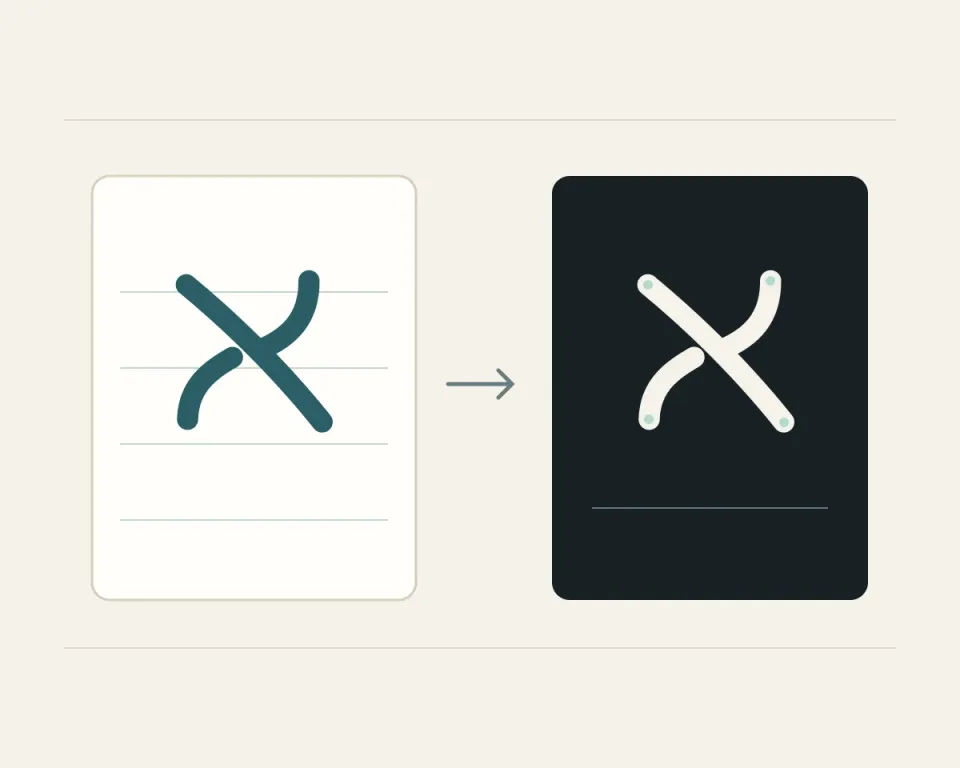
Three steps
From a page to a font file
Select letters from your own handwriting and inspect them before building.
-
Upload pages
Add JPG or PNG photos, or a PDF document. Rotate and prepare each page before selecting letters.
-
Select and edit
Select letters from the page. Inspect their ink and outlines, then save your preferred version of each letter.
-
Build a font
Name your font and download a TTF file. Install it on your computer and inspect the result in a document.
Your fonts
Room for every handwriting style
-
Several font projects in one account
-
Source pages, letter choices and font files in each project
-
Access to your projects through your account
Next step
Ready to select your first letter?
Open the studio and sign in with Google. Access is currently limited to invited email addresses.